

You write it, and we keep it exactly as written
Personalizing a dedication is closer to drafting a note than filling out a form. Four entries do the work — dedication name, date, viewing location, message — and a preview shows your text and layout before payment. Approved text is preserved as typed: no translation, no cleanup, no house style applied over your sentences.
01
The four decisions that carry the meaning
Whoever opens the file reads the dedication name first, so it earns more thought than everything else on the form: a given name, two names joined, or whatever gets said around the kitchen table. Pick whichever date you want frozen in place. The map carries that date and location as context, while the observation guide uses the location for its directions.
Whether to write a message at all is up to you, and it tends to be the passage people return to. Visibility is your call too: keep the dedication private, gate it behind its code, or open it to anyone — decided at creation and adjustable later. Nothing locks in until you confirm at checkout.
02
The limits of personalization
Almost every field is yours. The exceptions are the claims it would not be honest to make.
What you control
- Every entry — dedication name, date, location, message, privacy setting — on screen in the proof before any charge.
- Your exact wording, preserved character for character, in whatever language you typed it.
- Read every included document with your words, the images and astronomical data of the star reserved for you. Your purchase includes the approved documents, linked to that same star.
What you cannot set
- The service creates a symbolic and commemorative dedication connected to a real cataloged star. It does not transfer ownership of any celestial object and does not change or create a recognized scientific designation.
- Requesting a particular famous star, or a specific brightness, is not on the table; the catalog supplies the star and the tie to your dedication is made after payment.
- A Star For You is digital only: custom paper stock, framing, and printed formats are not offered.
03
Where each field lands
Every entry has a defined position in the documents. None of it is filler.
Four documents, one piece of writing
Read every included document with your words, the images and astronomical data of the star reserved for you. Your purchase includes the approved documents, linked to that same star.
Proof before, verification after
Read every included document with your words, the images and astronomical data of the star reserved for you. Your purchase includes the approved documents, linked to that same star.
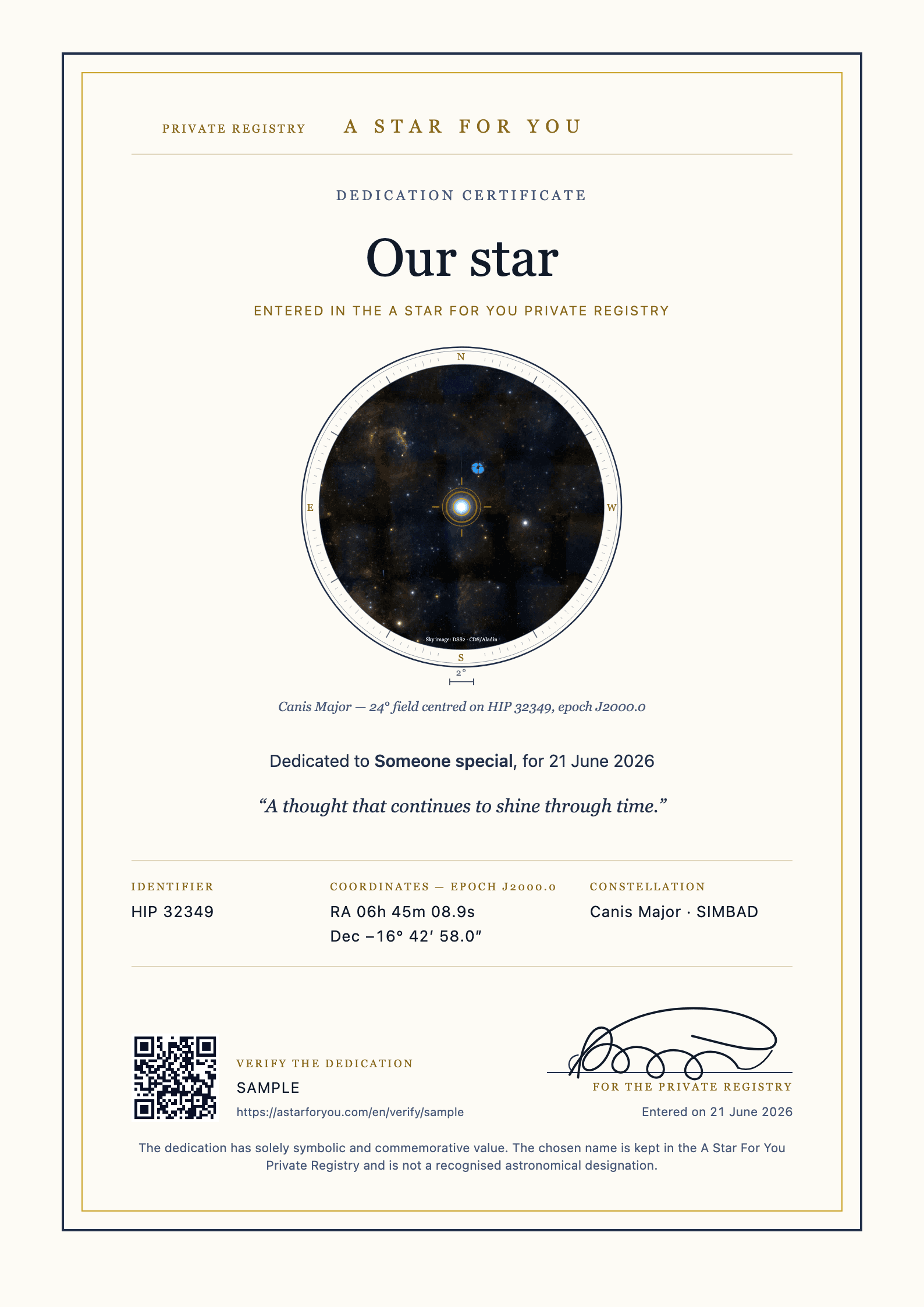 Real template · sample details
Dedication certificateThe chosen dedication, catalog identifier, coordinates, seal and verification code. 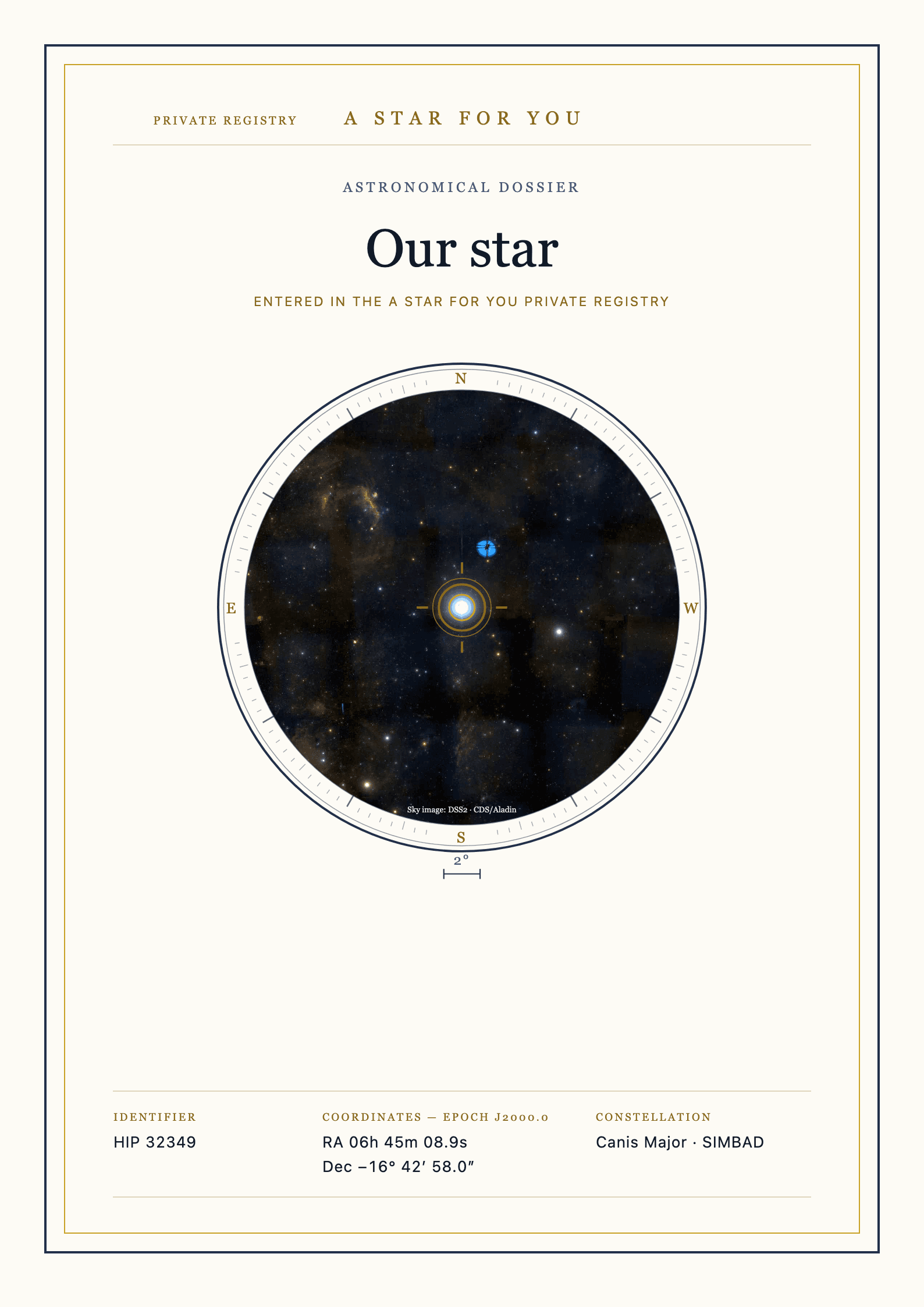 Complete front page
Astronomical dossierStar identity, your evening and light through time. The page count depends on the available data. 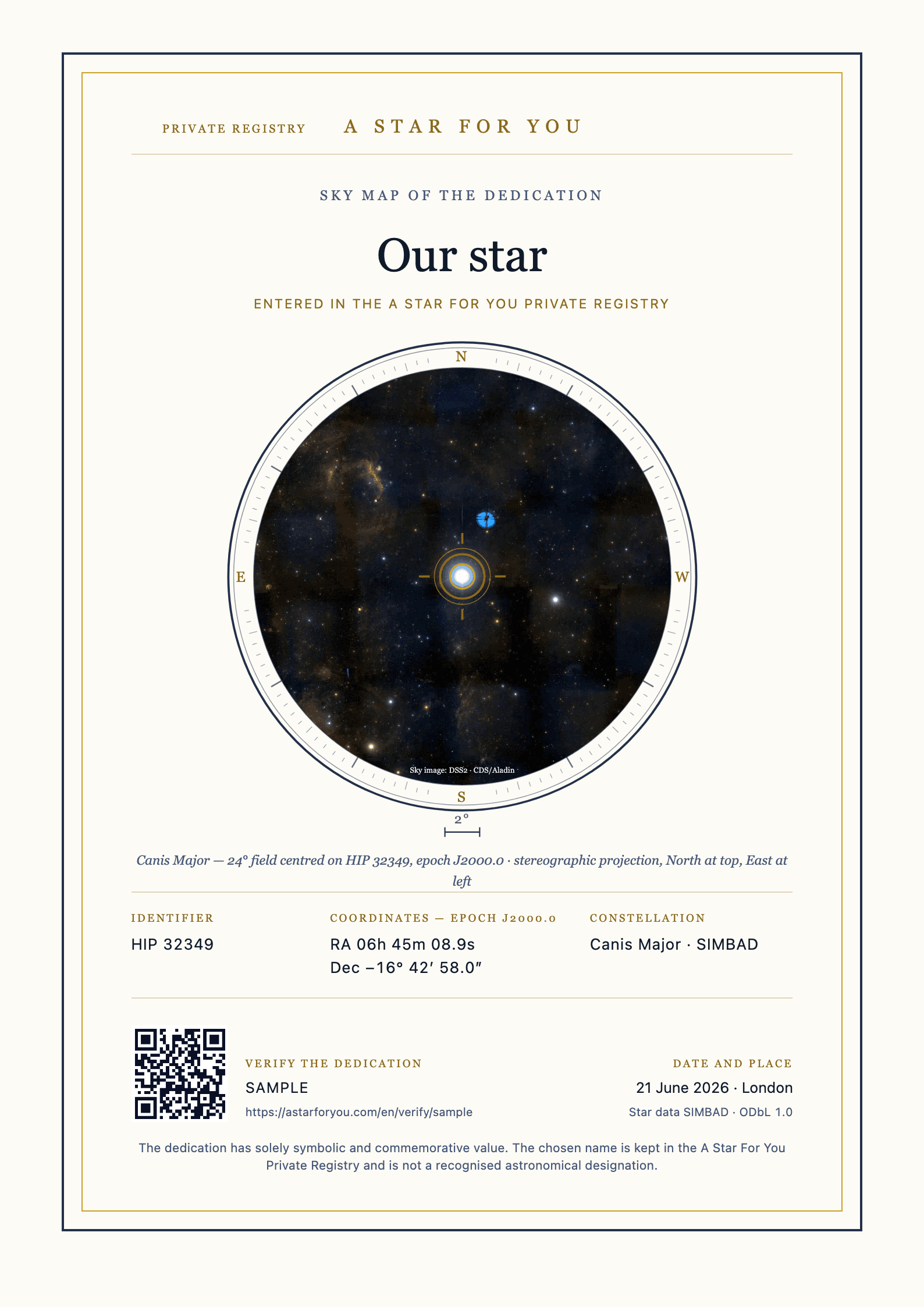 Real template · sample details
Sky mapA map centered on the selected star, carrying the significant date and place as context. 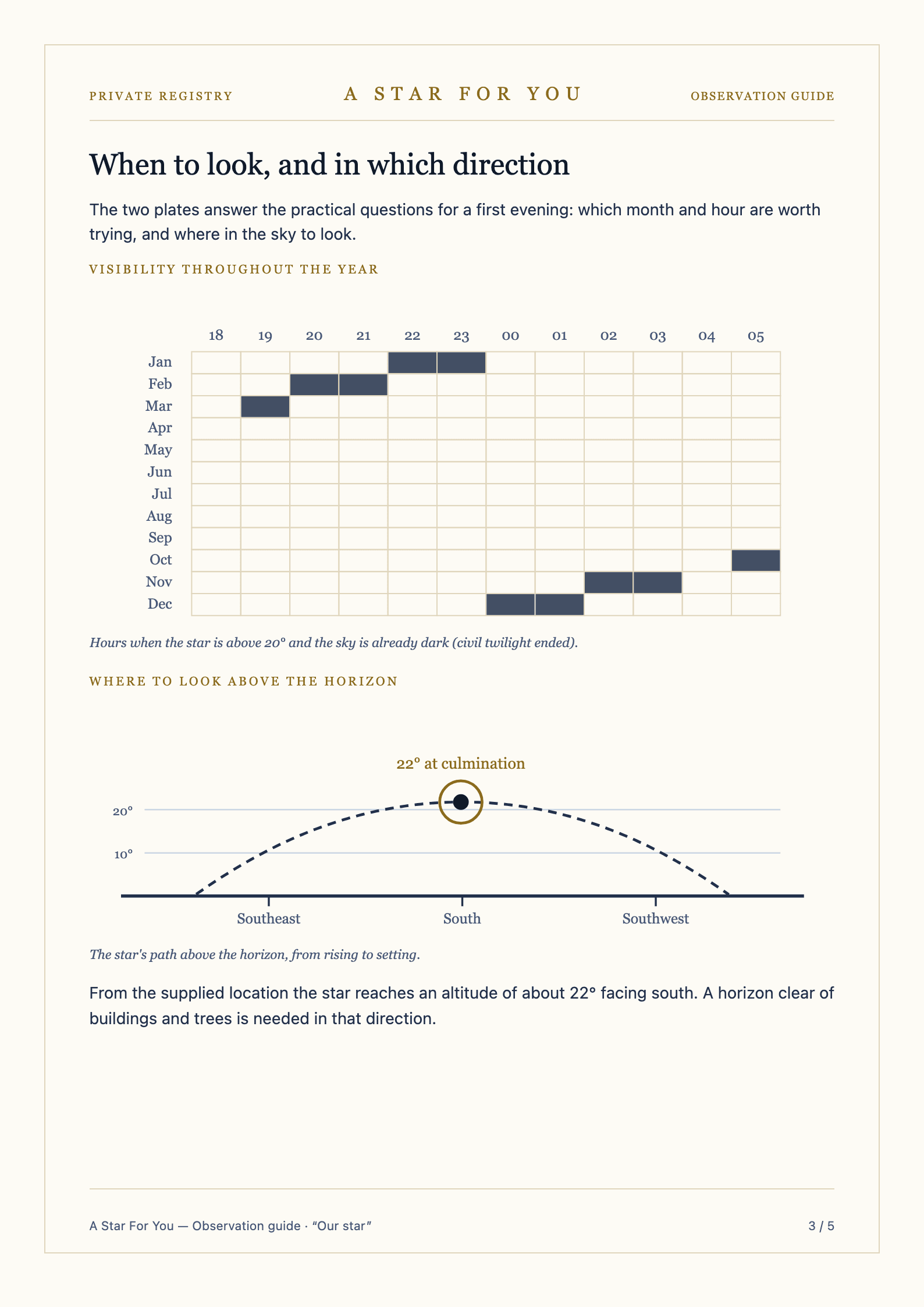 Real complete page
Observation guideFive sheets covering times, a planetarium app, visibility plates and an observation logbook.
Writing something worth rereading
Three steps in the configurator, reversible right up to the moment you confirm.
Set the dedication name
One line, read before anything else. If two versions are competing, put both through the preview: on the page, one of them will look like the answer.
Lock the date and place
The sky map is centered on the star and carries the date and place you entered as context. The observation guide uses the place for its directions.
Write the message, then reread it
Optional, and preserved as typed. The last screen before payment shows it set in type; keep editing until it sounds like something you would say out loud, then confirm.
Start with one sentence
You can open the configurator undecided and leave with a finished preview in front of you; nothing is final until you confirm. Any applicable sales tax is calculated at checkout, and the full amount due appears before the order is placed.
Write the dedication04
Four questions people ask about personalized dedications
What happens to accents and unusual spellings?
Names and messages are preserved exactly as entered, including accents and capitalization. The preview is the reliable check: if a character renders there, it renders in the finished document.
Can two people be named in one dedication?
Yes. One dedication can hold two names, or a family name that belongs to both. It lives in the A Star For You Private Registry and prints next to the star's catalog identifier instead of standing in for it.
What if I notice a typo after paying?
Anything is fixable before payment. Afterward, reach support immediately: what remains changeable depends on how far file preparation has progressed and on what caused the error, and every situation is judged on its own facts.
Is my writing used for anything else?
No. The names, messages, dates, and places you enter stay unchanged and are never rewritten, translated, or reused as marketing copy.
Free
Start with a date that matters
The sky on a date
Choose a date and place that mean something to you. Explore a reconstruction of the sky and keep the image to share.
Rediscover the sky on that date, for free
Free experiences, with no account or purchase needed. A dedication and its documents are a separate service, yours to choose if you wish.